This is 6th to the point video in Sales order processing series, where I shared the manual charges applied on Sale Order Header. Hope this helps.
Dynamics 365
Sale Order Processing Part 5 Sales Order Confirmation Video- D365 for Finance and Operations
This is 5th video in Sales order processing D365 for finance and operations. Sales order creation and sale order confirmation.
Sale Order Processing Part 4 Line Level Discount Sales Trade Agreement Video- D365 for Finance and Operations
Fourth video in Sale order processing video series. I shared very precise how to, Line level discount trade agreement and apply it on Sales order.
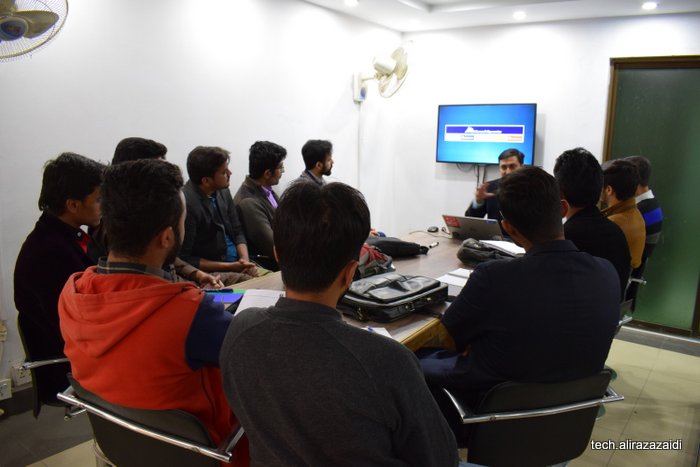
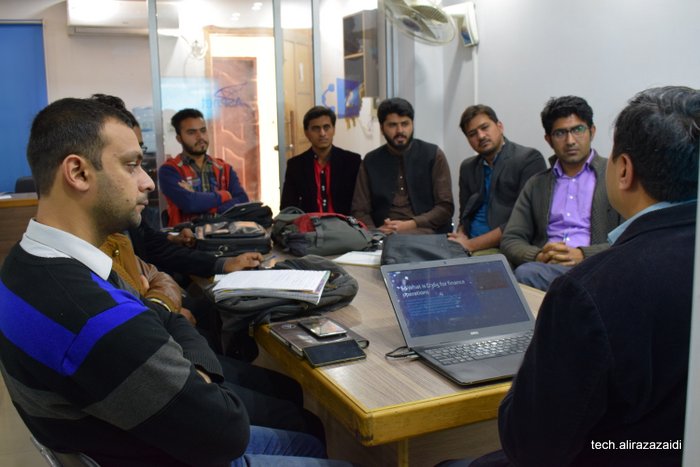
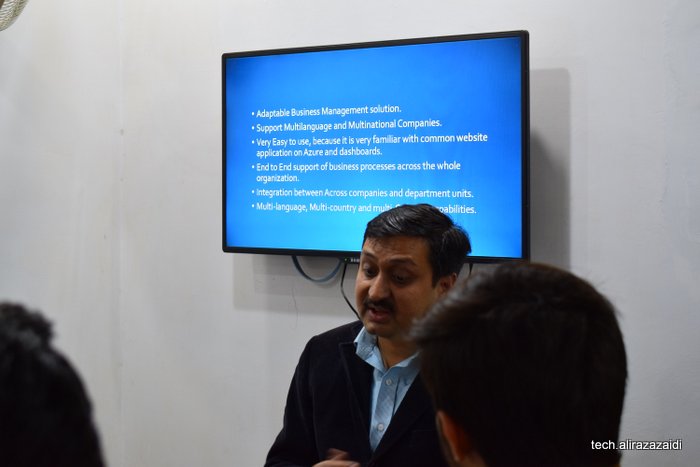
Introductory session to Dynamics 365 for finance and operation, PowerPoint slides and pictures
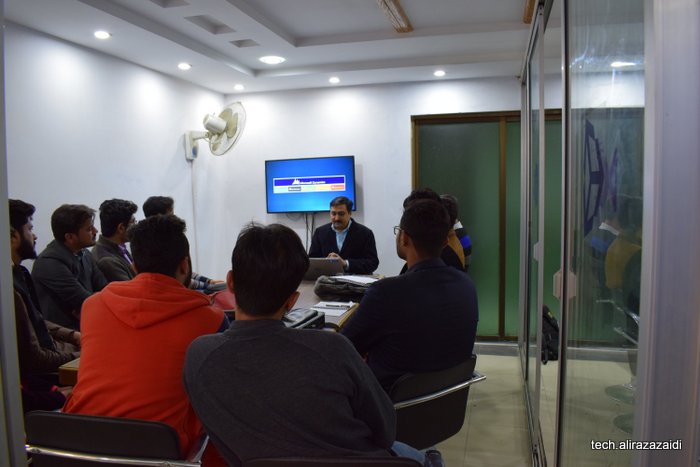
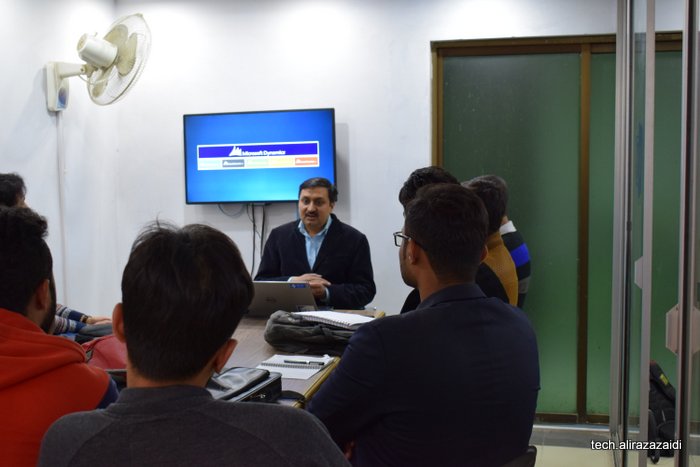
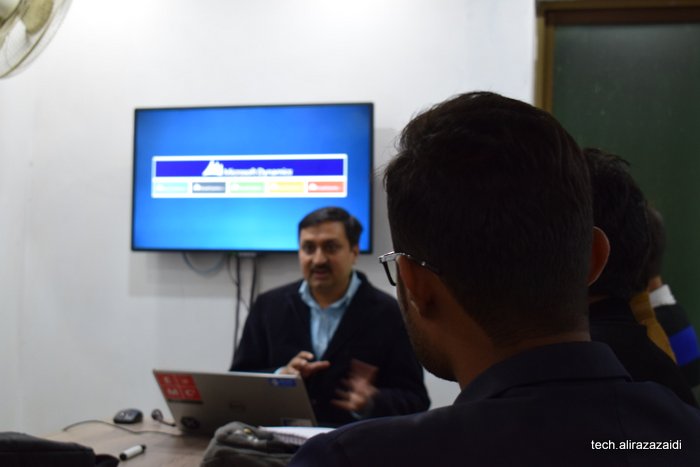
Yesterday I conduct a free session at Microtechx training institute. Purpose of this session to give overview of Microsoft ERP to students and fresh graduate.
Session ppt and pictures are here










How to extend trial period on D365 Finance and operation Dev box vm.
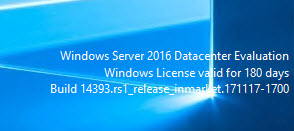
Today, I login Dev box Vm and found trail period is expired. I follow following steps to extend its period. These are common step, but lets document it.
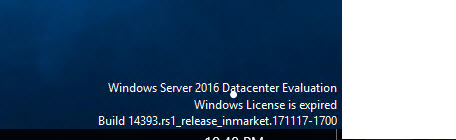
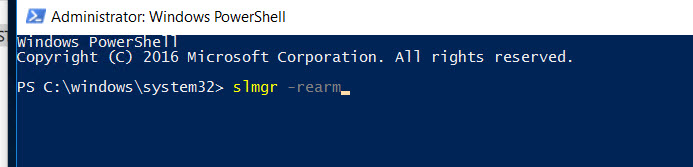
So I open PowerShell run as administrator.
And write following command
slmgr -rearm
Command is successfully executed and I got following message
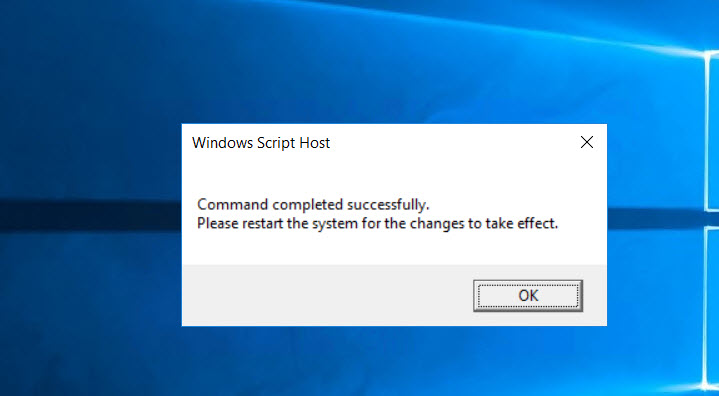
So restart the VM.
How to apply application hot fix on Dynamics 365 for finance and operations
Hi a couple of days ago, I got chance to apply application hot fixes required to apply on cloud dev environment.
So I made this very short post.
First Step:
Check in all changes in TFS and make sure no error in AOT.
Second step:
You need to download hot fix from LCS.
Third Step:
To download vm RDP file and credential from LCS and login in VM.
Fourth step:
Open visual studio with run as admin.
Then from Dynamics 365 menu click on addins and from contex menu click on hot fix.

fifth Step:
Extract the zip file and extract the hot fix file and load into dialog. Also set TFS settings.

Apply And in couple of second patch is applied

Sixth Step:
After path applied, Synchronization database from Dynamics 365 menu.

Seventh Step:
Check all compile model, Make sure that all models are check in.

Eighth Step:
Resolve error in the case errors occurs,

In my case no error occurs.

9th step:
Check in everything into TFS with hot fix name in comments.
Manually deploy all reports on a D365 for Finance and operations one box
Run power shell as an admin and run below command (change path if needed) J:\AosService\PackagesLocalDirectory\Plugins\AxReportVmRoleStartupTask\DeployAllReportsToSSRS.ps1 -PackageInstallLocation “J:\AosService\PackagesLocalDirectory”
Reference:
Free introductory course on MVA for Dynamics 365 for finance and operations, enterprise edition.
Do you want to introductory session, then this course is for you. Yes it is free any one can watch very basic level course on Microsoft Virtual Academy

Course contents are amazing.
- Course Introduction Time00:01:3701 | Overview
- Cloud-Based Solution Time00:02:02
- Workspaces Driving Productivity Time00:02:48
- Workflows in Your Business Processes Time00:03:34
- Reporting Time00:01:12
- Industry Focus Time00:02:2902 | Introduction to Functionality
- Overview Time00:02:55
- Order-to-Cash Time00:00:33
- Demo: Order-to-Cash Functionality Time00:07:38
- Procure-to-Pay Time00:00:32
- Demo: Procure-to-Pay Functionality Time00:08:16
- Plan-to-Produce Time00:00:42
- Demo: Plan-to-Produce Functionality Time00:05:19
- Recruit-to-Hire Time00:00:59
- Demo: Create Jobs, Positions, and Recruitment Projects Time00:10:21
- Complete an Application and Hire a Worker Time00:00:11
- Demo: Complete an Application and Hire a Worker Time00:08:08Post-Course Survey
- Post-Course Survey (Optional) Assessment: Full Course
- Assessment: Full Course
Mass delete records D365 for Finance and Operations.
I was testing one scenario, I have created some main account wrongly. So I want to delete them quickly.
Secondly I want to explore the Office integration In D365 for finance and operations.
So I did following steps to delete the required records quickly.
Organization administration > Setup > Office integration > Excel workbook designer

Select entity “MainAccount”

. Create workbook

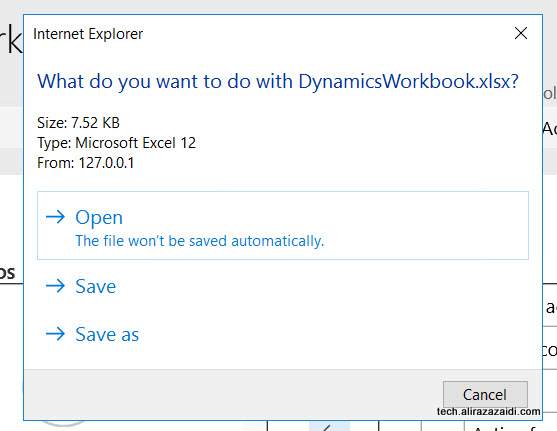
and download it

Login in Excel

Open excel

Delete selected records
Publish

Confirm.

Records are successfully deleted.
Could not upload to the storage location Dynamics 365 for finance and operations.
I was experimenting with Office integration in Dynamics 365 for finance and operations. On Create Excel worksheet. I got following error
Could not upload to the storage location: Unable to connect to the remote server.
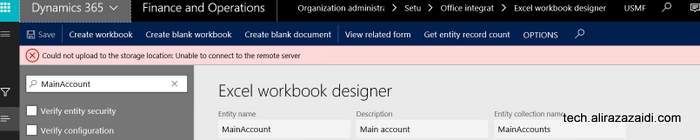
Later I found that on my onbox, Azure Emulator was not running.
So I did
- On OneBox VM, run command prompt as administrator.
- Navigate to “C:\Program Files (x86)\Microsoft SDKs\Azure\Storage Emulator\”
- Run “AzureStorageEmulator.exe start”
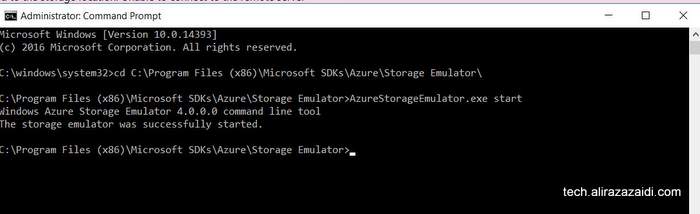
After running that service, Download options perfectly worked