• Skip to main content
  • Skip to primary sidebar
  • Home
  • About
  • Recommended Readings
    • 2022 Book Reading
    • 2023 Recommended Readings
    • Book Reading 2024
    • Book Reading 2025
    • Book Reading 2026
  • Supply Chain Management Guide
  • PKM
  • Microsoft Excel
  • Microsoft Copilot in Office 365
  • Public Wiki Page

Ali Raza Zaidi

A practitioner’s musings on Dynamics 365 Finance and Operations

Uncategorized

Entity store for Dynamics Ax 2012 R3 step by Step installation and configuration.

December 5, 2016 by alirazazaidi

I observed that Many developers are using Power BI with Dynamics Ax 2012 R3 by using Direct SQL server connection on Dynamics Ax database. Which is not good approach? This will expose Dynamics Ax 2012 database outside Dynamics Ax 2012 security. Especially when you expose or deploy Power BI on public URL.

With entity Store, Microsoft provide near to real time database access to Power BI.

In this approach, you can extract data to external database by Designing entities and data extraction from Dynamics ax tables and populate that staging entities and then to database. And this process can schedule into Dynamics Ax.

2016-12-03_4-55-24

This approach is faster and more secure in the sense

  • Only required data available for Query, Unnecessary fields and table already removed.
  • No extra overhead on OLTP Dynamics Ax 2012 Database.
  • You can create more indexes on target database to faster fetch. As compare to indexes on Ax tables which creates performance overhead on Dynamics Ax.
  • Instead of Creating complex data mart, cubes and complex queries. We can create simple table structure and build dashboard on them.
  • Certainly external database can share and access on Internet or reporting is much more secure instead expose Dynamics Ax 2012 database for reporting.


For reference you can explore following links.

https://blogs.msdn.microsoft.com/intel/archives/185

http://download.microsoft.com/download/2/4/2/242608B8-7F6A-4A59-8AAF-545EBE5166BA/Entity%20store%20Microsoft%20Dynamics%20AX%202012%20R3.pdf


Microsoft release the Entity Store for Dynamics Ax 2012 R3 back in May 2016.

But somehow I decide to explore it. So today I decide to Install Entity store on my local VM. And My local vm had Dynamics Ax 2012 R3 RTM. No other Dynamics Ax 2012 Update Installed on machine. Entity stored is already part of Cu 11 for Dynamics Ax 2012 R3.


So First step is download and install KB. You can find It from following link

https://mbs2.microsoft.com/Knowledgebase/KBDisplay.aspx?scid=kb;EN-US;3147499


I have to enter my email address and Microsoft send download link for patch.

I recommend to explore the following link for Installation of any update for Dynamics.

https://technet.microsoft.com/en-us/library/hh335183.aspx


For this article I just extract the self-extract file.

2016-11-24_20-09-04

Extraction result in folder something like

2016-11-24_20-12-002

This file is again extracted exe. On its extraction it creates two folders

2016-11-24_20-29-005

And again these two folder contains two self-extracted exe files..

On extracting these exes, one update for Model store and second for Kernel update.

Model Store Update:

So First I decide to install update for Model store.

Before that I stopped the AOS service. Otherwise update process takes unnecessary time.


So I Click on update Ax exe in Application folder.

2016-11-24_20-14-06

Click on Next

2016-11-24_20-14-031

Accept and Continue

2016-11-24_20-14-50


Select you model store and Click on next.

2016-11-24_20-16-07

On this steps you find conflict then first resolve them. In my clean installation there will be no conflict. Press next.

2016-11-24_20-16-30

Next

2016-11-24_20-16-046

Click on Install.

2016-11-24_20-16-59

And finally Update is successful.

2016-11-24_21-28-034


Kernel Update.

Now I decide to install what ever exe at Kernel folder.

So I go the extracted folder and run the update ax exe there

2016-11-24_21-29-16

Next

2016-11-24_21-29-49

Accept and Continue
2016-11-24_21-33-13

Next

2016-11-24_21-35-02

Click on Install

2016-11-24_21-35-24

Finally it also installed successfully.


Post Installation update challenges:

After installation when I start AOS service and open Ax Client. I found check list, with different options for example database synchronization, compilation and full cil Generation.

In my case, this check list did not perform anything.

2016-11-24_21-51-51

So closed the Ax client and in Windows command prompt, I run following command. Remember, run Windows command prompt as run as administrator.


AXUTIL set /noinstallmode

Now open Dynamics Ax client and perform following steps.

  • Synchronize the database.
  • Full compile and resolve any error.
  • Generate Full CIL.


Interestingly I got errors. And errors are related to Payroll some symmentic dll. Each line shows error 99999.

I used very strange trick. Just add new empty line and add empty comment //. Save it and compile and as result error resolved. I resolved all these error 99999 by same way.

More details I follow my own link.

http://tech.alirazazaidi.com/errors-in-payroll-classes-symmetry-dynamics-ax-2012-r3/


After that, I found Entity store menus in Import export framework.

2016-11-26_1-52-35


DNS and Entity store connection.

Now open Windows control panel, Administrator tools.

2016-12-03_5-43-01


Select ODBC Driver 11 or it depends on installation.

connection


Enter Name of User dsn.

2016-12-04_9-25-26

Set default database.

2016-12-04_9-26-36


Now test the connection.

2016-12-04_9-27-24


2016-12-04_9-27-43


Now go back to Dynamics Ax client and click on entity store. Select on User DNS. And set User DSN in last step. And click on test.

dns


ddd


2016-12-04_10-23-44

.


Dynamics Ax 2012 R3 Check list dialog did not Post Installation or Upgrade

December 5, 2016 by alirazazaidi

After upgrade process, Dynamics Ax checklist dialog did not let me do anything. 2016-11-24_21-51-51


So closed the Ax client and in Windows command prompt, I run following command. Remember, run Windows command prompt as run as administrator.


AXUTIL set /noinstallmode

Now open Dynamics Ax client and perform following steps.

  • Synchronize the database.
  • Full compile and resolve any error.
  • Generate Full CIL.


Dynamics ax a Walk through – Pakistani MVP meetup.

October 10, 2016 by alirazazaidi

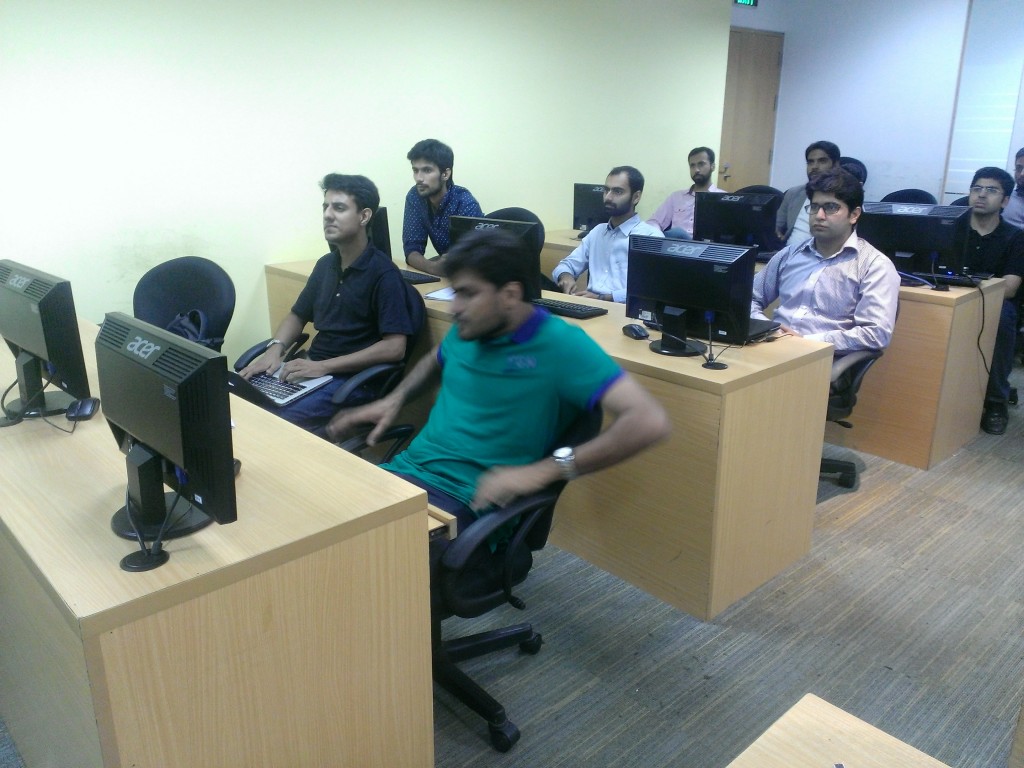
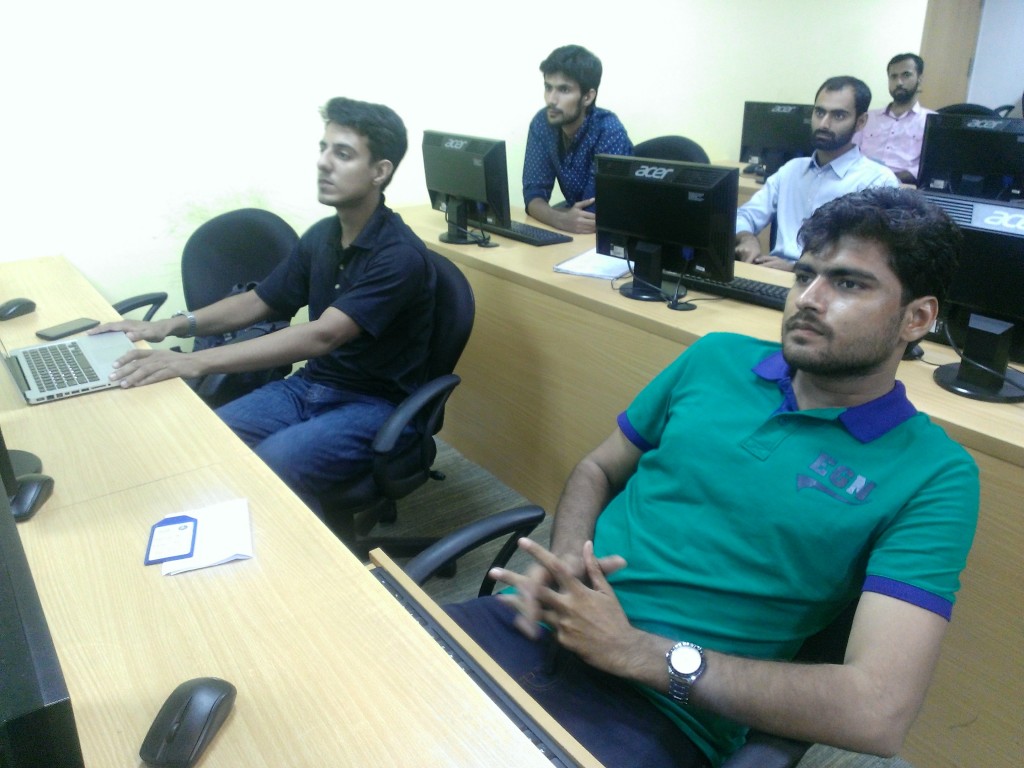
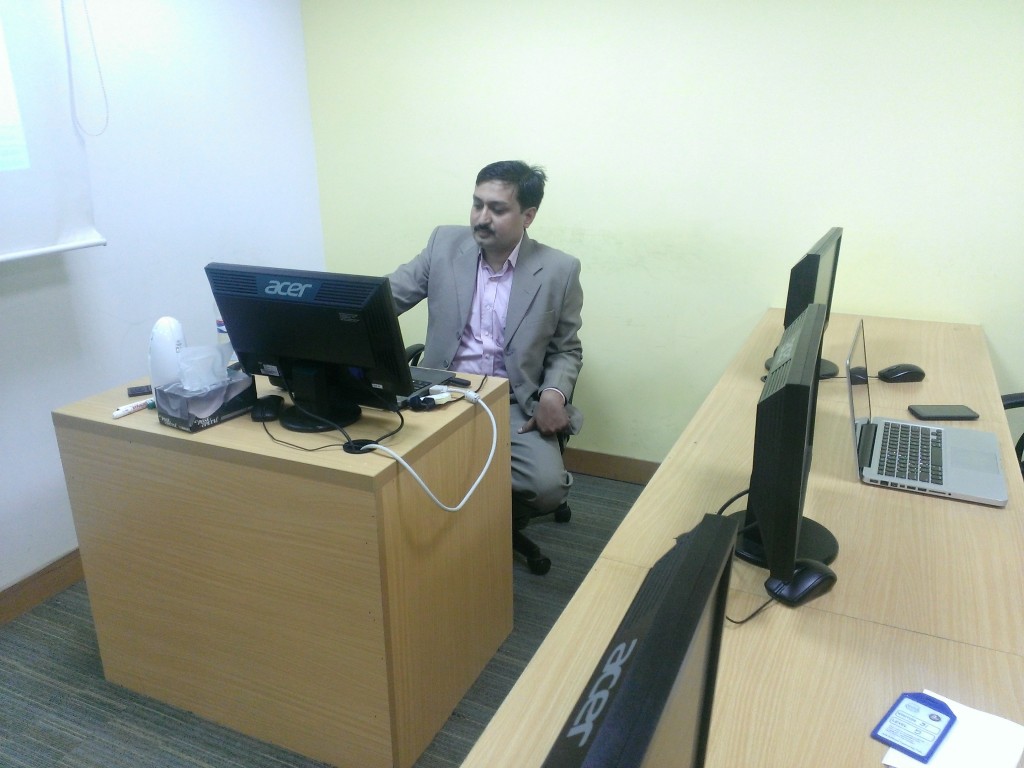
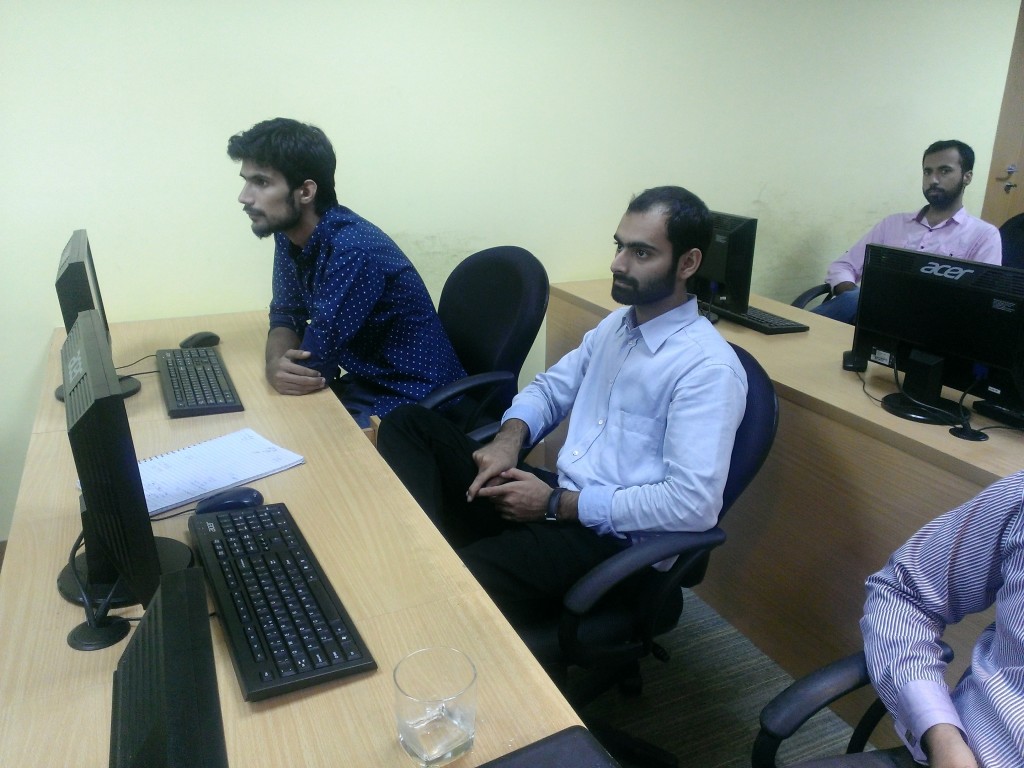
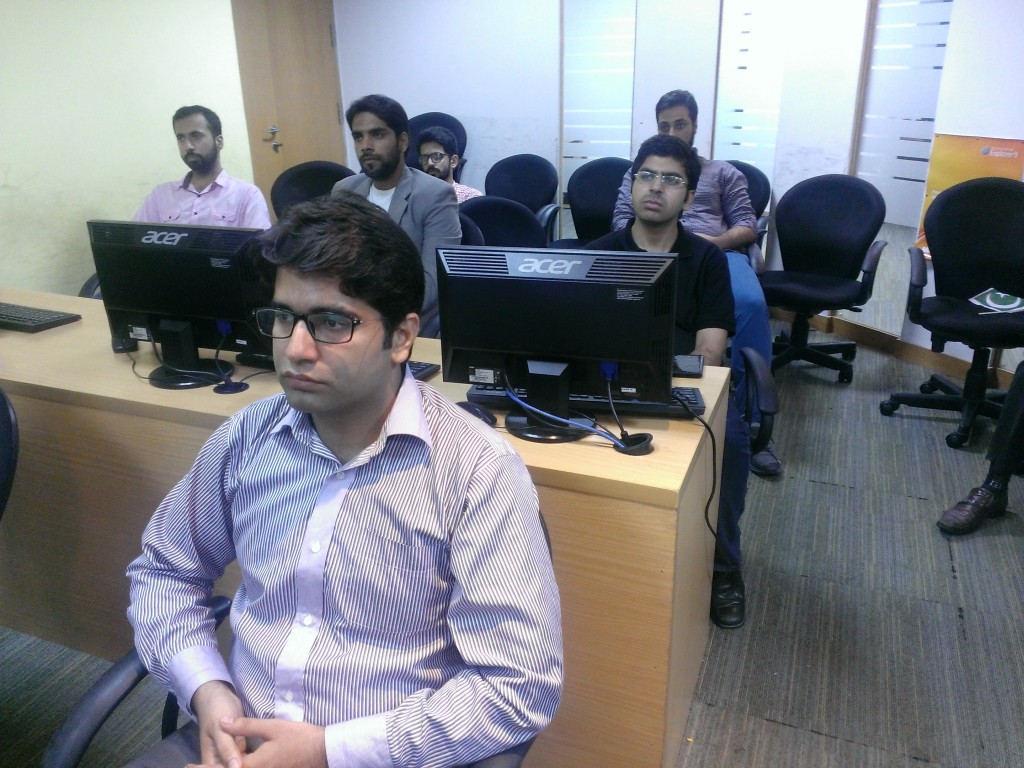
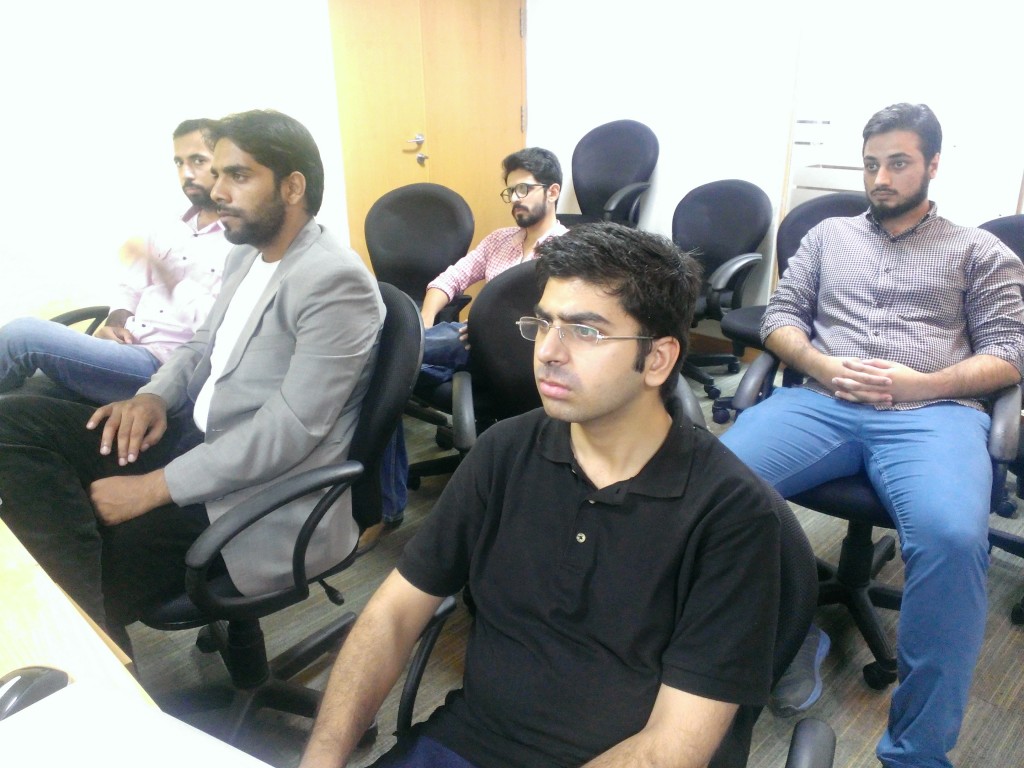
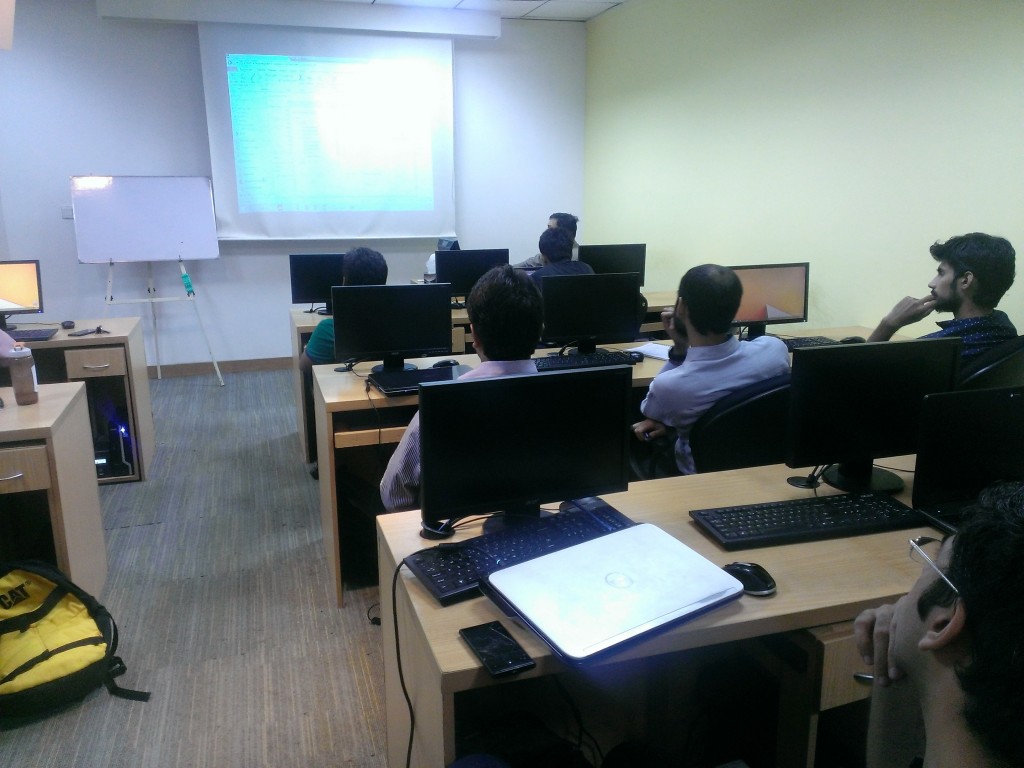
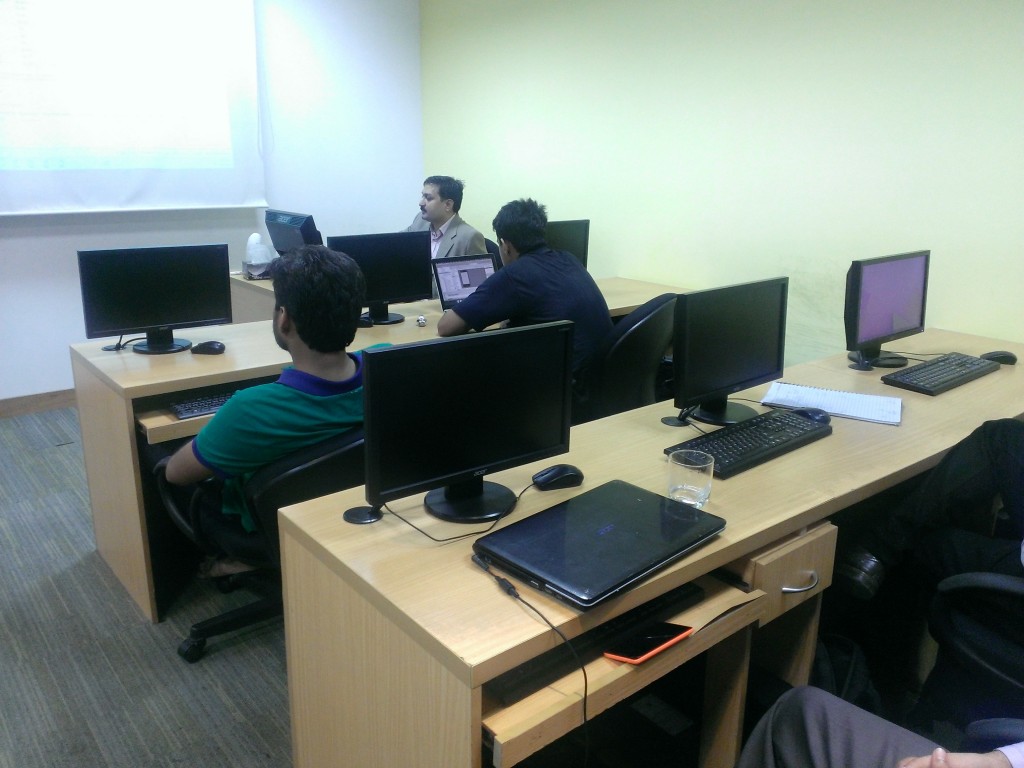
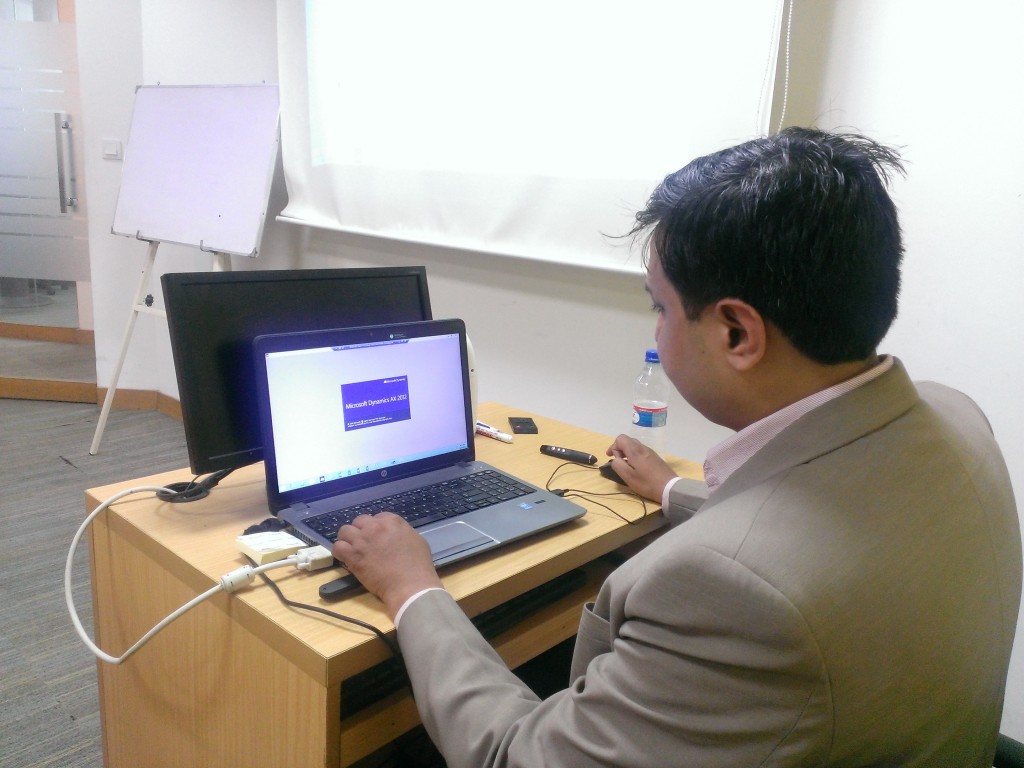
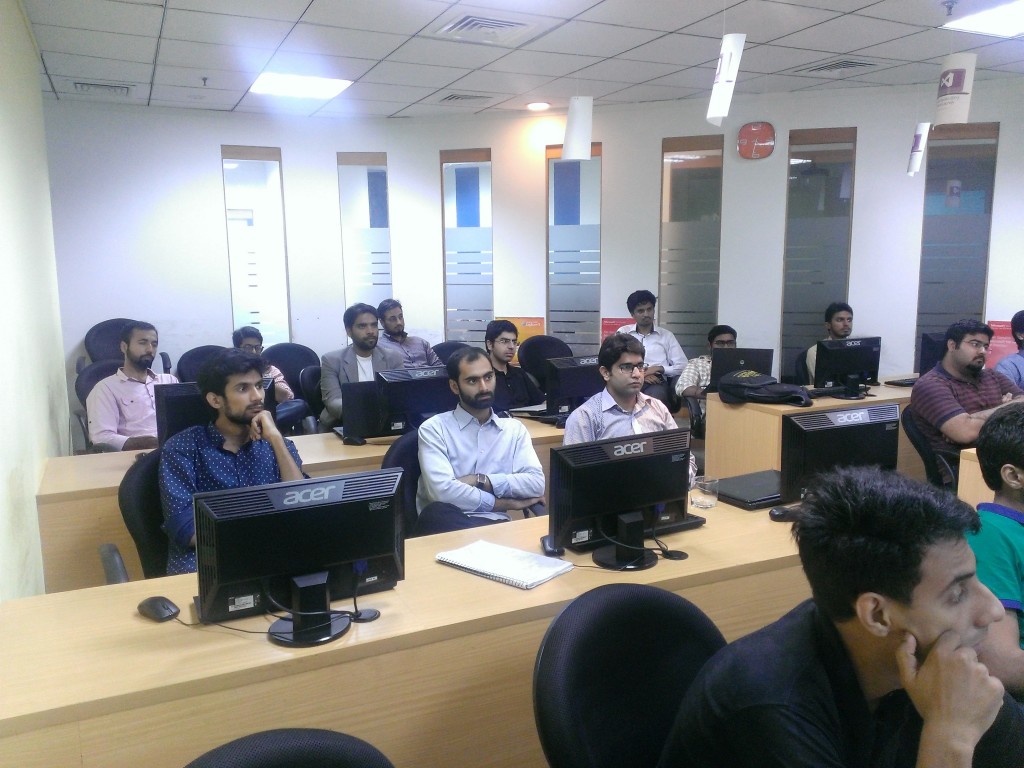
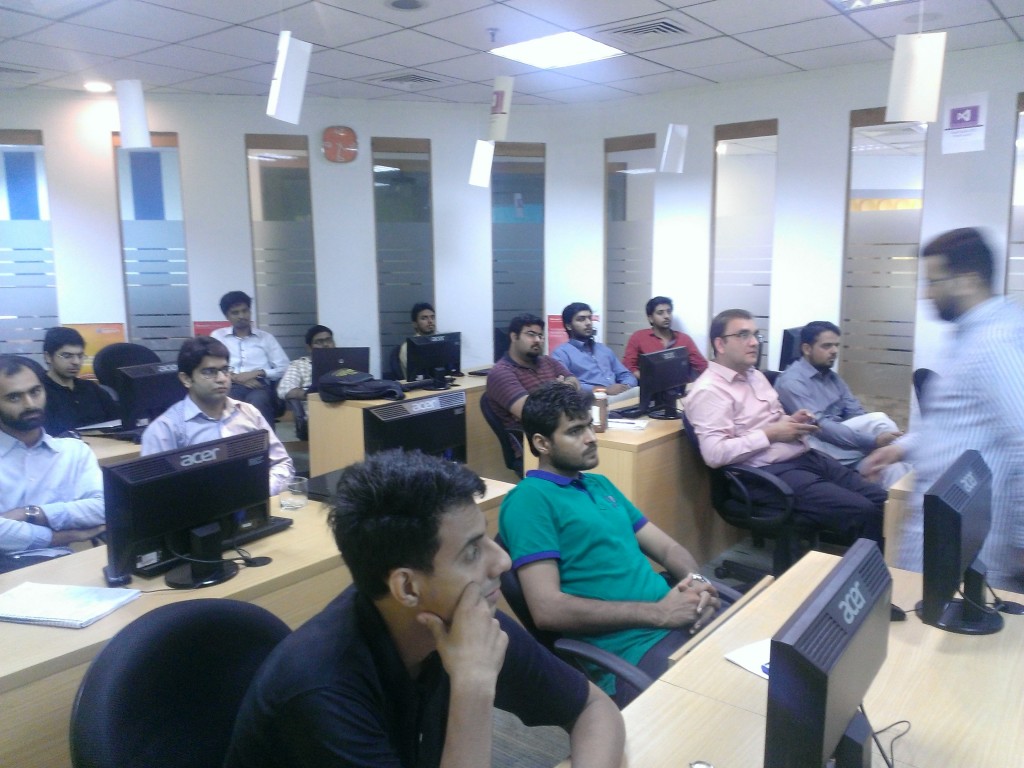
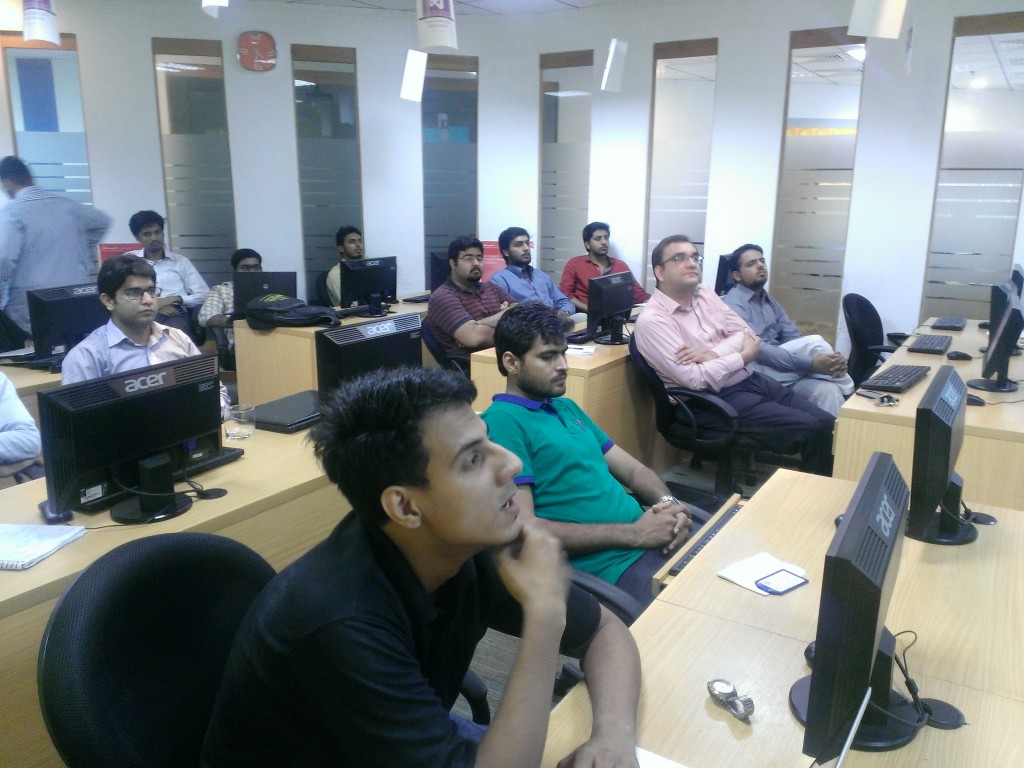
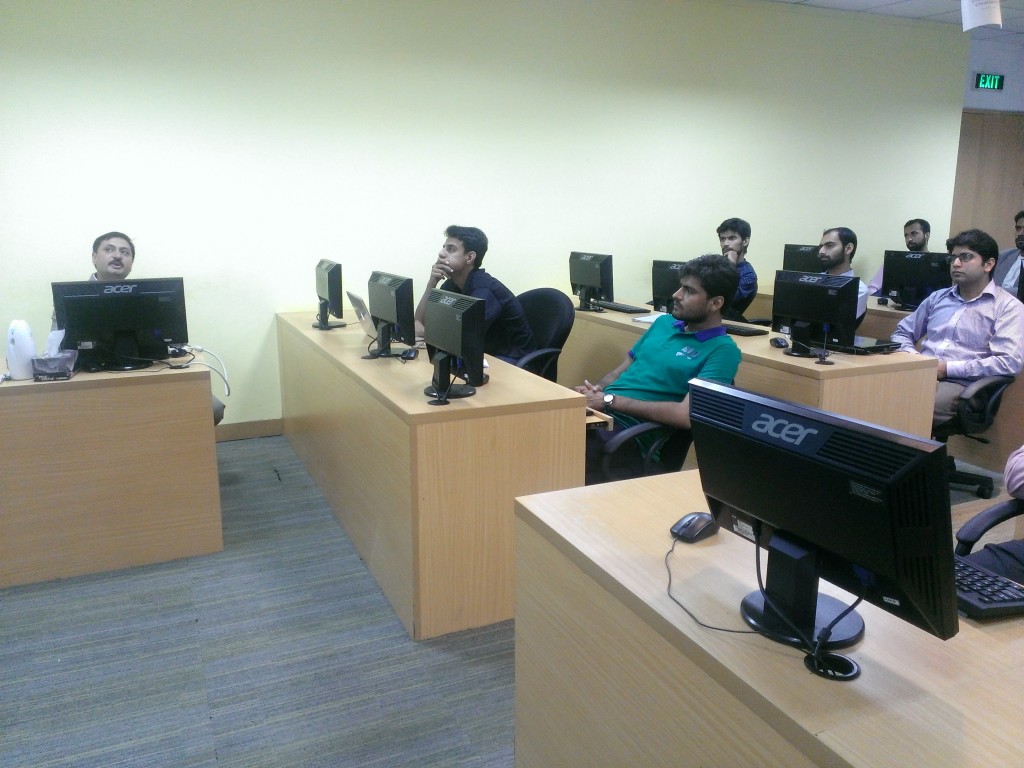
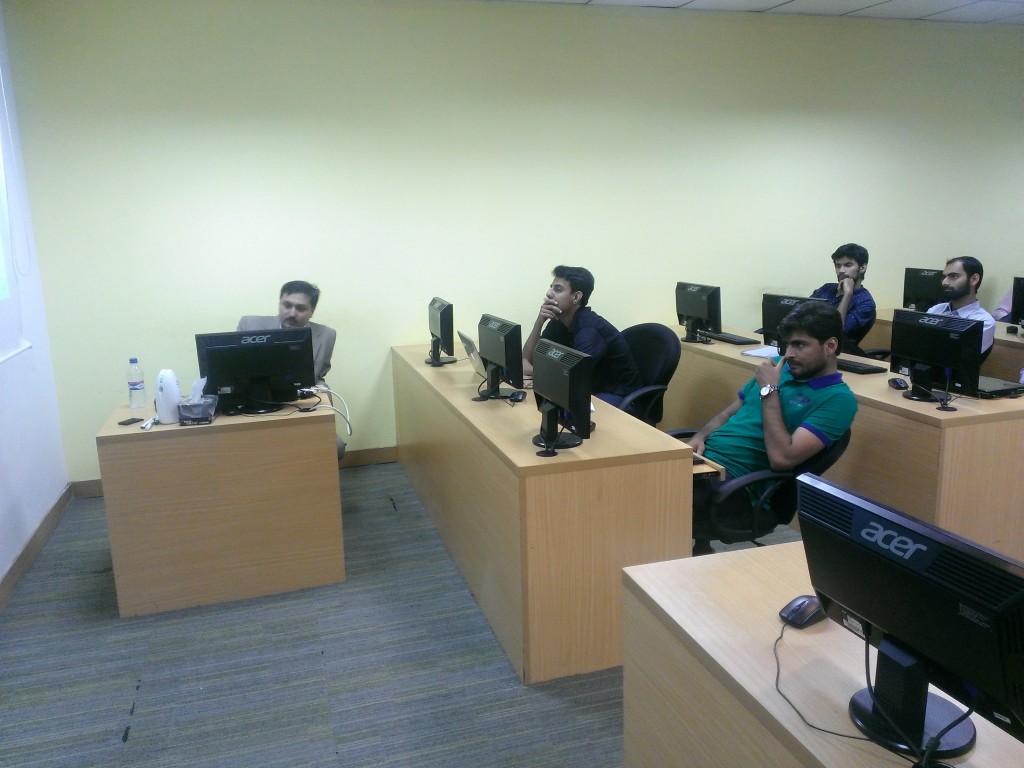
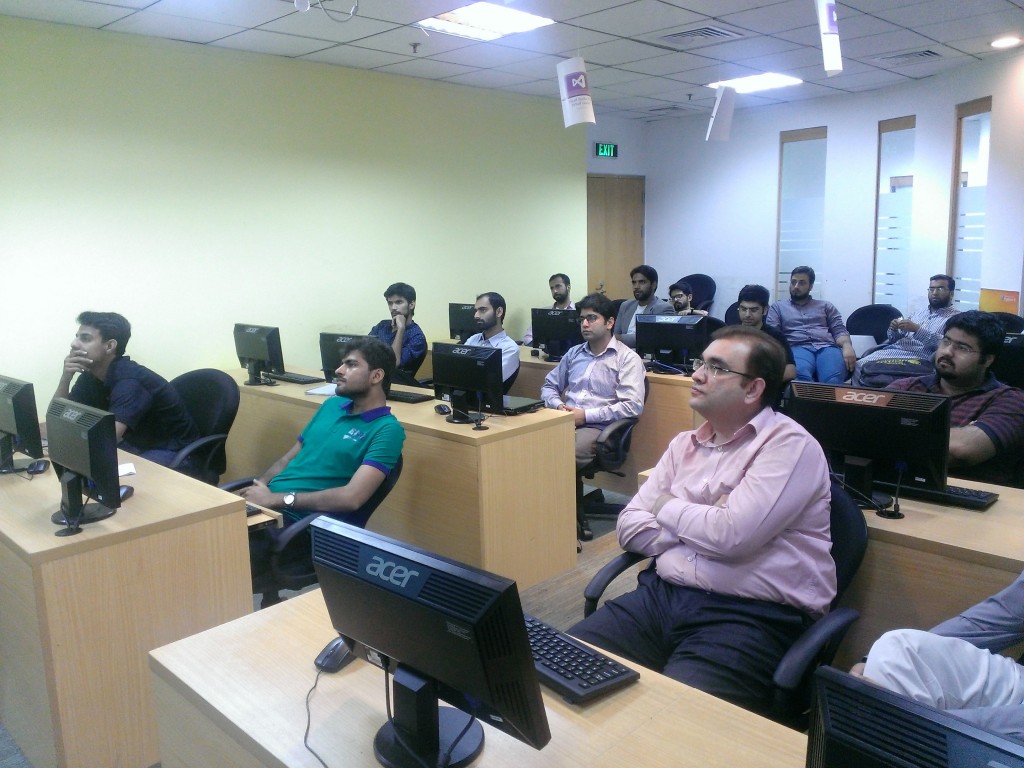
We conduct an information sharing session on New Dynamics Ax 7 at Microsoft Innovation Center Lahore on 7 October 2016.

In this session, two speakers invited by Meetup group. Hasan Bukhari from Maison Consultancy (It is leading Microsoft Dynamics AX Implementer in Pakistan and Middle east). Second speaker was Me.

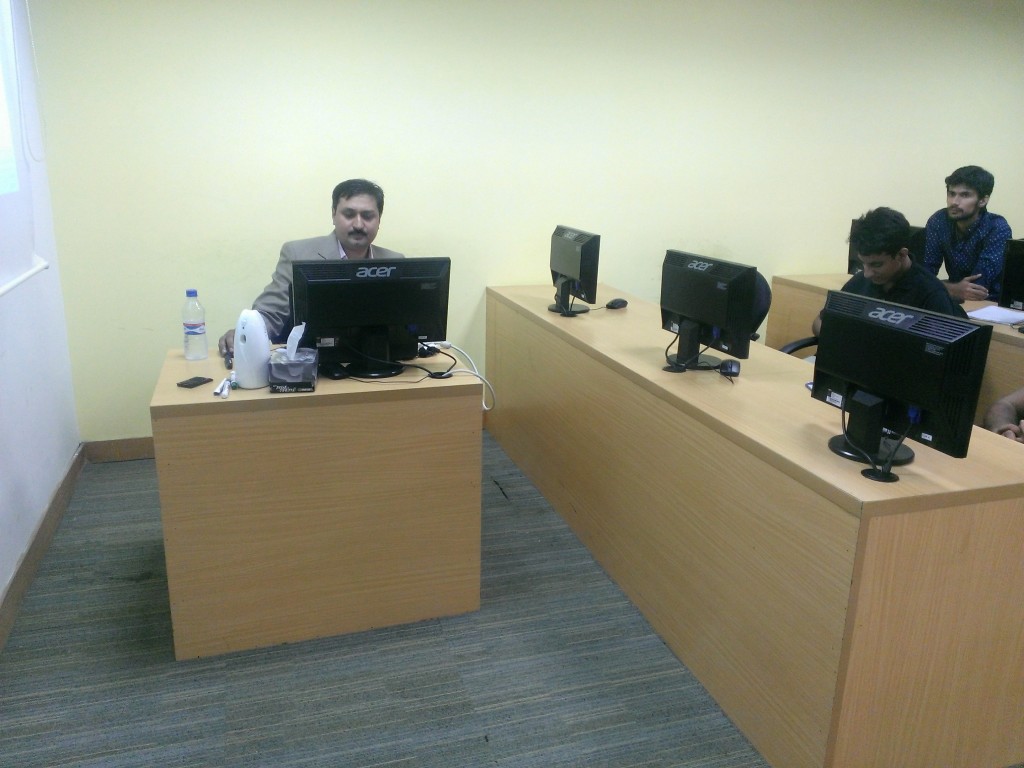
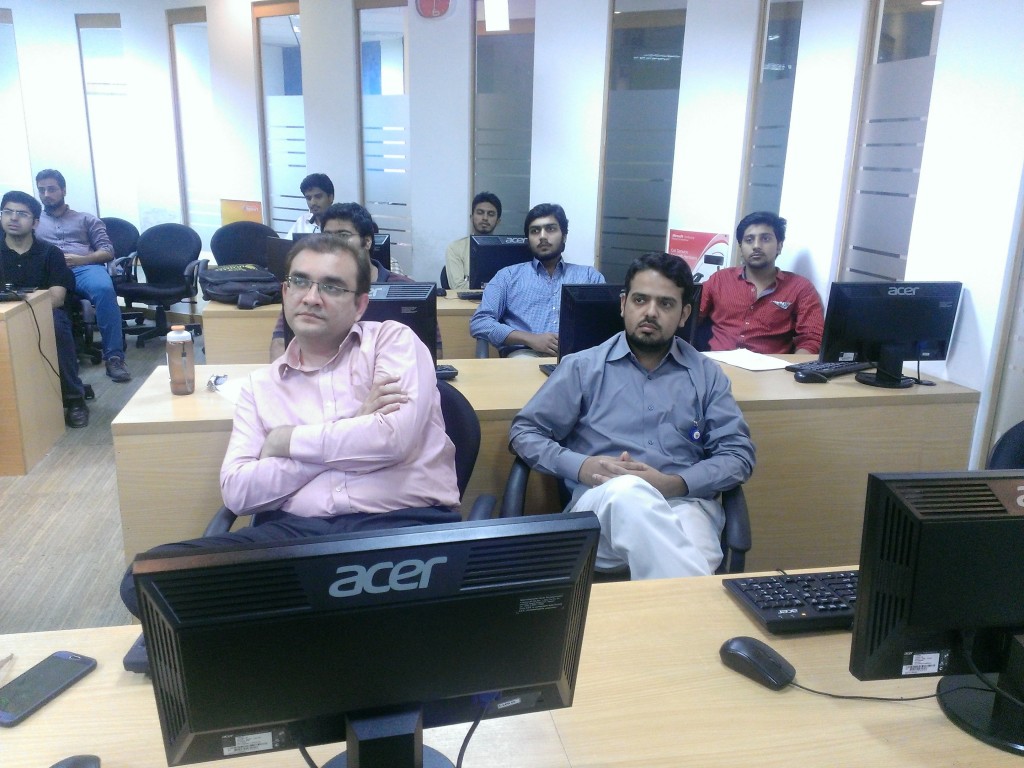
As professionally I am technical consultant (Currently working as freelancer). I cover the technical side of Dynamics Ax.  While Mr. Hasan Bukhari covered the Functional expects of The Product. Usman Ur Rehman Ahmed helped us to organize this meetup. Here are some picture taken during the session.


14469731_1746251388968508_8874732058527160197_n

dsc_0623

dsc_0624

dsc_0625

dsc_0626

dsc_0627

dsc_0628

dsc_0629

dsc_0630
dsc_0633

dsc_0634

dsc_0645

dsc_0644

dsc_0641

dsc_0640

dsc_0639

dsc_0643

dsc_0637

dsc_0638

dsc_0635


Employee hiring process (recruitment process) in new Dynamics Ax (Aka AX 7).

July 16, 2016 by alirazazaidi


Suppose we have to hire a Ax Dynamics Ax Technical consultant in new Dynamics AX (AKA).

There are multiple ways to do that, but we follow these steps.

2016-06-04_10-09-57

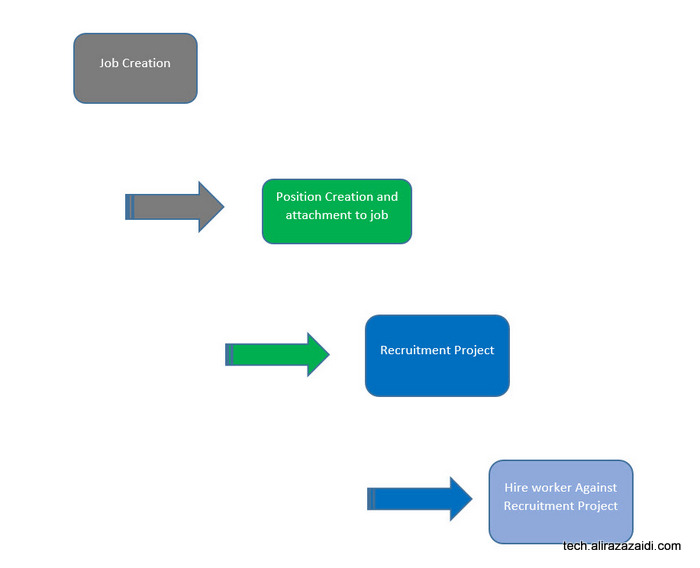
For this we have follow following steps. We explore, Job creations, we create skills, education and certification required for this job, later we create position and attach it to job. Than create a recruitment project where we mentioned who is HR Manager, who is recruiter and create a new application and hire the required person.


We can divide the whole process into following parts

  1. Create a new job
  2. Create a position and associate with job
  3. Create a new recruitment project for job.
  4. Hire a new worker against Recruitment Project.


 Create  a new Job.

2016-06-04_11-36-23

After successful login


and from menu open the HR module

2016-06-04_11-44-22


and expand it and click on Jobs.

Job


On click  a new web page opens, that shows the list of jobs present in Dynamics Ax. Now Click on new button.

Job list page

In a new Job detail page, enter, Dynamics Ax consultant in job , In description, mentioned “Dynamics AX techno Functional Consultant” And Title select Consultant. You can also set

Job details

You can also Expand Skills fast tab and add new skill, If skill is not available for example in my current scenario, X++ and supply chain is not preset so on skill text box right click and click on view details.

Add new Skills

You have to add rating also the same way.


New skills Rating


When skills are added, I select them in skill section.

Details

Next step is to add certification, Here requirement is that Person must have certification.

McP Certification

So right click on certification and create new certification and then select it.

MCP selection


Add new Education, suppose we require to person at least Graduate. So select graduation.

Bsc Computer


Now we have to add three task, that belongs Customization, integration and code.

Skill selection


Save the job from top menu and close the job

If we see on list page, we find our new job is listed there


New job is created


.


Create the new position


Now second step is Position creation and attach job with it.

From menu, select position.

Position Menu


On list page, from top menu, Click on new

New position


Select Job we created in last step.

New Position detail Page


You find the now position associated with job in position

Create

New position is listed on list page

New Position List page


Create a Recruitment Project.


Now go back to Main menu and create a new Recruitment Project


Recuriement Project Menu


Form list page create new recruitment Project by clicking on new at top menu.

New Recuritment Job


Select Previously Created Job and save the Recruitment project.

Recruitment Project selection


From top menu click on and start the Recruitment Project

Click on start


Hire new employee against recruitment project

New recruitment project is started, we can receive application against this

Start Project


From top menu click on applications.

Create Application Menu


Select the applicant name, In my current scenario, required Applicant name was not exists in ERP. So I right click on Name field and click on View Details.

New Applicant


From New party page enter the Required name and create a new party.

New Person detail


After that save and select newly created party as new applicant.  Right click on top menu. And hire new worker.

Application Status and


If select employee from menu.


333d


Click on Hire button to create new worker, the applicant successfully Hired against job.


Dynamics Ax 2012 R3 Customization Overview Session Pictures

August 30, 2015 by alirazazaidi

My session on Lahore Microsoft Invocation Center was at 24-8-2015. Purpose of this session was give introduction about Dynamics Ax to young graduates. Target Audience was of 0-1 year working experience.

Happy New year, best wishes for 2015

December 31, 2014 by alirazazaidi

10897992_10153466711869972_4977496273454417431_n

Image stored in Dynamics Ax 2012 tables

December 19, 2014 by alirazazaidi

In dynamics Ax 2012, You can read image from physical path and stored in database as follow

BinData binData = new BinData();
str extention, path, nameOfFile;
container imageContainer;
str imageFilePathName;
imageFilePathName=”C:\\abc\\ali.jpg”;
// if ( WinAPI::fileExists(imageFilePathName))
{
binData.loadFile(imageFilePathName);
imageContainer = binData.getData();
table.Person = _Party.RecId;
table.Image = imageContainer;
table.insert();

}

This code runs both for server side and client side. At server side execution table use winserverapi::FileExists

Exploring Dynamics Ax function that convert Numeric value into words

October 14, 2014 by alirazazaidi

During exploring the question posted on Microsoft community AX fourm, I found about a global method, which converters numeric values into words.

10-15-2014 12-05-28 AM
static void Job_AmountInWords(Args _args)

{

info(numeralsToTxt(420.420));

}


Getting Count in X++ using Select statement

July 27, 2014 by alirazazaidi

Hi, You can get Count X++ select statement as


/// <summary>
/// Get resource poool count.
/// </summary>
/// <returns>
/// resource pool count.
/// </returns>
protected int getResourcePoolCount()
{
select count(Rank) from resourceTable
where resourceTable.UserSession == _userSession
&& resourceTable.ResourceSet == ProjResourceSet::Pool;

return resourceTable.Rank;
}

How to integrate Dynamics AX 2012 R3 AIF Document Service with BizTalk server

July 1, 2014 by alirazazaidi

Purpose: Purpose of this post is help to Consume AIF Document service in BizTalk and call its method.

Assumption: that target audience has deep knowledge of BizTalk, mapping, schema and orchestration.


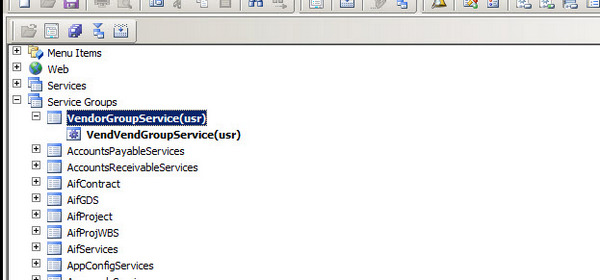
First of all you have to create service group that is gateway to your document service. For this post I have to consume VendVendGroupService. I create a new service group  in AOT and drop VendVendGroupService to that node as follow


ServiceGroup


Right click and deploy the service group.


Deploy Service Group


Wait for generate Increment CIL and Infobox shows deployment of All possible Service group

VendorServiceGroupInfolog


Now to System Administration module of dynamics Ax. Click on System Administrationè Setup è Services and Integration frameworkè inbound port.


InBound Port


Now create a visual studio project for BizTalk. There are three sub solution, One for Schema, Map and third for orchestration.


In Schema solution. Add the generate Items and then select consume wcf Service

ConsumingAiFservice


Now add copy wsdl to generate Schemas.

Select metadata Exchange (MEX) endpoint


MetaData


Click next and generate schema


Schema Generation


Wsdl


Schema is generated.


VendorGroupSchema


Go to Schema project and delete the Vendor Group Service Orchestration.


Required Services


Important Schema which will used in mapping.


EntityKeyList Schema has following fields which are used to set values in Request response methods.


Entity List Schema


This key value pair used for search , Field represent table field Name and value is search field.


VendorGroupSchemaDetail


VendorGroup schema is replicate of VendorGroup table, here we use SenderId is used legal entity where operation will perform.


If we see the Service Schema, here all request and response methods are generated.


ServiceSchema


One Schema I create to take input to Interface, and decide which operation is performed I called it for InputSchema.


CustomSchema


This Schema will use for input to Interface. We will discuss it later when we start mapping one by one.


Bindings:

As compare to other wcf service, when we consume wcf service, empty binding files are generated, so we have create binding operations manually.

These operations are based on AIF service Object not AIF service Group, where I wasted hours on it.

Please consider the following screenshot for Service operations used in binding files.

ServiceOperations


The operations in BtsAction will be generated as follow.

Namespace +/+ExternalName+”/”+method name. All Action are similar. For example


http://WIN-IKPOSIU2SGD:8101/DynamicsAx/Services/VendorGroupService/read.


Settings for BizTalk Send Receive port is as follow.


NetTCPBindings


Pipeline settings:

Send Pipeline should be XML Transmit.

Receive Pipeline should be XML Receive.

Click on Configure Button and set as following.


WCF Settings.


Remember the Operation Name in SOAP action header mast be identical to Operation Name in logical port in Orchestration.

1234


All action mapping is as follow.


<BtsActionMapping xmlns:xsi="http://www.w3.org/2001/XMLSchema-instance" xmlns:xsd="http://www.w3.org/2001/XMLSchema">

<Operation Name="ReadOP" Action="http://schemas.microsoft.com/dynamics/2008/01/services/VendGroupService/read" />

<Operation Name="CreateOP" Action="http://schemas.microsoft.com/dynamics/2008/01/services/VendGroupService/create" />

<Operation Name="UpdateOP" Action="http://schemas.microsoft.com/dynamics/2008/01/services/VendGroupService/update" />

<Operation Name="DeleteOP" Action="http://schemas.microsoft.com/dynamics/2008/01/services/VendGroupService/delete" />

<Operation Name="FindOP" Action="http://schemas.microsoft.com/dynamics/2008/01/services/VendGroupService/find" />

</BtsActionMapping>

Mappings:

I attached  screenshots for mapping used for calling AIF methods.


Read Method:


Read method is two-step process, first step map the input to Entity list, and then Entity list  to VendGroupReadRequest


Input_To_EntityList


Entitylist_to_VendGroupRequestRead


Create Method:

In the case of Create Mapping is as follow.


InputSchema_to_VendorGroup


VendorGroup_to_CreatVendorGroupRequest


Delete Method:


EntityList_To_DeleteRequest


Update Method:

Update is little tricky, There is field in Update Request Schema, _DocumentHASH, This Field is hidden and every row has its unique value, without that row is did not updated. According to Microsoft Documentation, First you get /find required record using read or find method and then use response data to Update it. For saving time and for the sake of this tutorial, I just pic the_docuemntHash key form previously read response method and hardcode it in map. This is not generic way, but this solve the temporary and my wants to run the Update AIF document method.


FindMessage


Find method:

Find method is works wonder, if you want to search more than one or all records you can call Find method, where is field with Operation, where you can mentions, value Equal, not equal, greater then equal etc. I want to get all vendor group from Dynamics In response, so I sent its value “not equal”. Response message return all values.


FindMessage


The code of this tutorial is attached, you can download it from here.


« Previous Page
Next Page »

Primary Sidebar

About

I am Dynamics AX/365 Finance and Operations consultant with years of implementation experience. I has helped several businesses implement and succeed with Dynamics AX/365 Finance and Operations. The goal of this website is to share insights, tips, and tricks to help end users and IT professionals.

Legal

Content published on this website are opinions, insights, tips, and tricks we have gained from years of Dynamics consulting and may not represent the opinions or views of any current or past employer. Any changes to an ERP system should be thoroughly tested before implementation.

Categories

  • Accounts Payable (2)
  • Advance Warehouse (2)
  • AI (3)
  • Asset Management (3)
  • Azure Functions (1)
  • Books (6)
  • Certification Guide (3)
  • ChatGPT (3)
  • Claude (1)
  • Customization Tips for D365 for Finance and Operations (64)
  • D365OF (60)
  • Data Management (1)
  • database restore (1)
  • Dynamics 365 (59)
  • Dynamics 365 for finance and operations (139)
  • Dynamics 365 for Operations (175)
  • Dynamics AX (AX 7) (134)
  • Dynamics AX 2012 (274)
  • Dynamics Ax 2012 Forms (13)
  • Dynamics Ax 2012 functional side (16)
  • Dynamics Ax 2012 Reporting SSRS Reports. (31)
  • Dynamics Ax 2012 Technical Side (52)
  • Dynamics Ax 7 (65)
  • Exam MB-330: Microsoft Dynamics 365 Supply Chain Management (7)
  • Excel Addin (1)
  • Favorites (12)
  • Financial Modules (6)
  • Functional (8)
  • General Journal (1)
  • Implementations (1)
  • Ledger (1)
  • Lifecycle Services (1)
  • Logseq (4)
  • Management Reporter (1)
  • Microsoft Excel (4)
  • MS Dynamics Ax 7 (64)
  • MVP summit (1)
  • MVP summit 2016 (1)
  • New Dynamics Ax (19)
  • Non Defined (9)
  • Note taking Apps (2)
  • Obsidian (4)
  • Personal Knowledge Management (3)
  • PKM (16)
  • Power Platform (6)
  • Procurement (5)
  • procurement and sourcing (6)
  • Product Information Management (4)
  • Product Management (6)
  • Production Control D365 for Finance and Operations (10)
  • Sale Order Process (10)
  • Sale Order Processing (10)
  • Sales and Distribution (5)
  • Soft Skill (1)
  • Supply Chain Management D365 F&O (5)
  • Tips and tricks (278)
  • Uncategorized (165)
  • Upgrade (1)
  • Web Cast (7)
  • White papers (4)
  • X++ (10)

Wiki

  • SCM

Copyright © 2026 · Magazine Pro On Genesis Framework · WordPress · Log in