I made video at update 10.0.24 Dynamics 365 Finance and operations
D365OF
How to setup a reporting and accounting Currency Dynamics 365 finance and operations
How to setup chart of account in D365 Finance and Operations
How to create Fiscal Year in D365 Finance & Operations
How to create a new legal entity D365 F&O
How to configure Power BI out of the box dashboard on local VM Dynamics 365 for Finance and Operations
Hi friends, here is video, which I recording during configuring Dynamics 365 Finance and operations out of the box dashboard on local VM. My session is held on Urdu Hindi User group on 1 August. For this I need to configure it. During development we need to configure these dashboards and some times we need to extend these dashboard. Hope this video will helpful to you.
How hide SSRS Parameter RDP Menu Name Dynamics 365 Finance and Operations
Again documentation
class XYZUIBuilder extends SrsReportDataContractUIBuilder
{
public void build()
{
    RecId       hcmWorkerRecId;
    str         name, menuItemName;
    FormBuildGroupControl grp;
    //Dialog    dialogLocal = this.dialog();
    XYZDC   rdpContract = this.dataContractObject();
    DialogField                             workerfieldDiff;
    DialogField  _FromDate,_Todate;

    // Add the pay cycle field.


    menuItemName = this.controller().parmArgs().menuItemName();
    workerfieldDiff = this.addDialogField(methodStr(XYZDC ,parmworkerrecid),rdpContract);
 //   hcmWorkerRecId = HcmWorker::userId2Worker(curUserId());
    if (menuItemName =="ESSReport")
    {

        workerfieldDiff.visible(false);
        workerfieldDiff.value(0);
    }
    _FromDate= this.addDialogField(methodStr(BEKenyaP9DC,parmFromDate),rdpContract);
    _Todate = this.addDialogField(methodStr(BEKenyaP9DC,parmToDate),rdpContract);

}
}
Procure to Pay Demo-D365 Finance and Operations

In this demo video, I shared the Procure to Pay process. It is simple and basic step,
I shared following steps as part of process
1- Create a new Vendor
2-Create a purchase order for Vendor.
3-Receive Purchase order or register the product receipet.
4- Invoice Purchase Order
5- Vendor payment Journal to settle the payment.
How to make dashboard with Power BI and Dynamics 365 For Finance and Operations
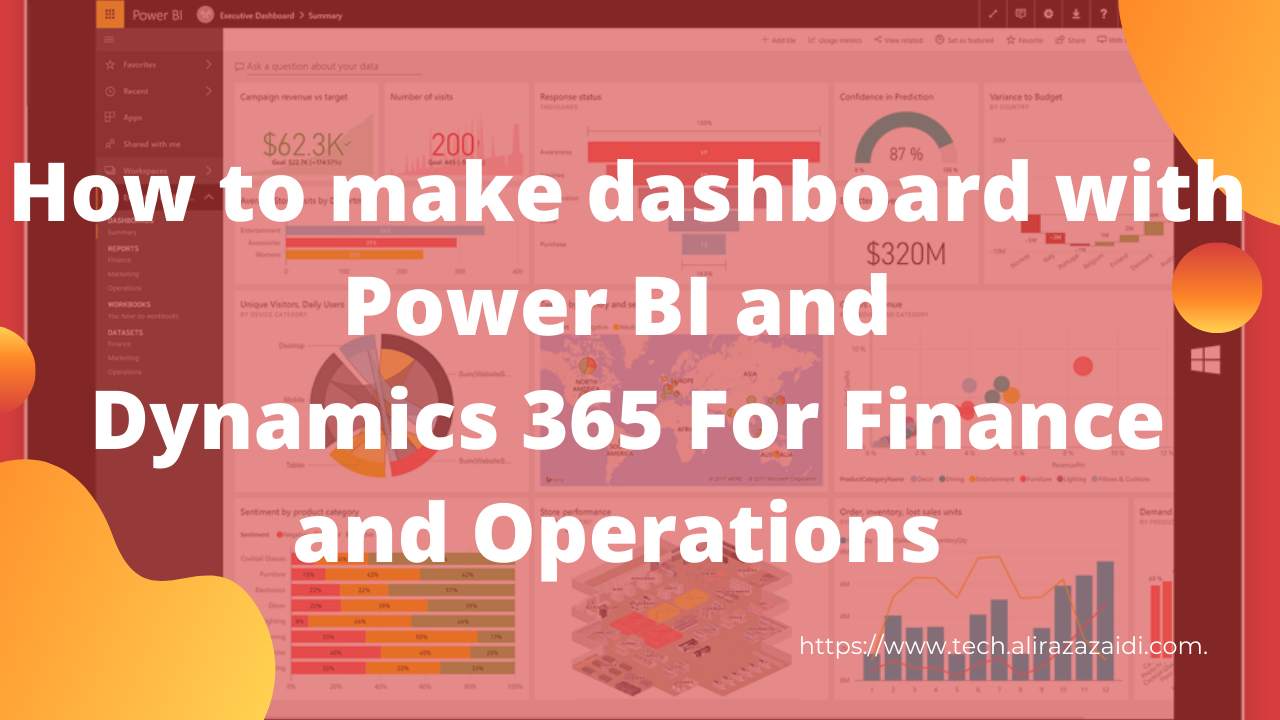
Hi everyone this little bit longer video, more then 35 minutes. Where record the complete process from Power BI to D365. Power BI is extremely easy. If you know only excel then you can easily work.
In this video you can connect with Dynamics 365 for finance and operations and make dashboard on it. I used Contoso data. If you complete watch this video you can easily understand following points.
Power BI Connections.
Download and install power BI.
How to connect with Dynamics 365 for finance and operations.
Load data,
Transform data Create calculated columns
Create measures Creates Custom tables Make Model based on tables.
Then make use different charts to make dashboards.
How to create a legal Entity In Dynamics 365 for finance and Operations.
Hi Everyone, Welcome to this session. In this session, going to create a legal Entity.
Legal Entity creation is very simple.
Before that we go let’s discuss what a legal entity is.
•A legal entity is an organization that has a registered or legislated legal structure.
•They have to go into a legal contract with another organization and are required to prepare reports on their performance.
•In D365 Country/region is the most important factor while creating a new legal entity. All localization in Dynamics 365 for finance and operations depend on Country and region. It activates with respect to selection of Region.
•Form inquiries, reports enable disabled with respect to region or country selection.
Every legal entity is associated with Company Id, which is 4 character value. Once it created can not be modify. Rest of things we can modify.