Recently, I discovered an interesting and useful feature in D365 Finance and Operations.
Most of the time, there are peak hours when the system is heavily loaded. During these periods, we may not want certain batch jobs to run in order to avoid performance issues.
D365 Finance and Operations (now rebranded as ERP AI) provides a feature to control this behavior.
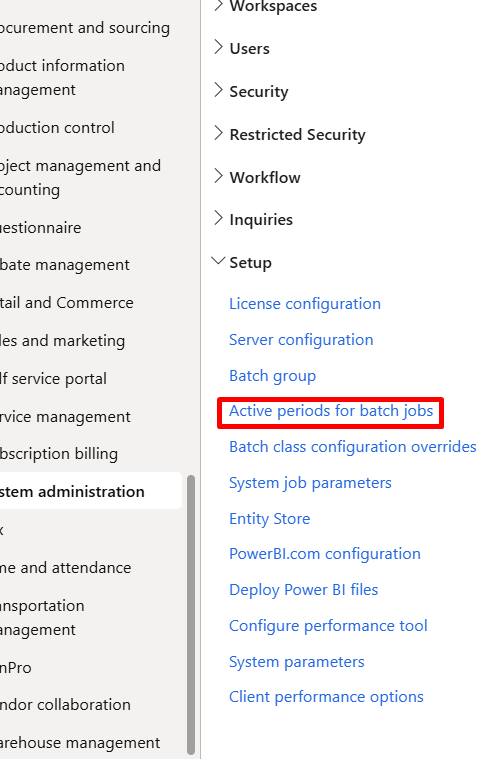
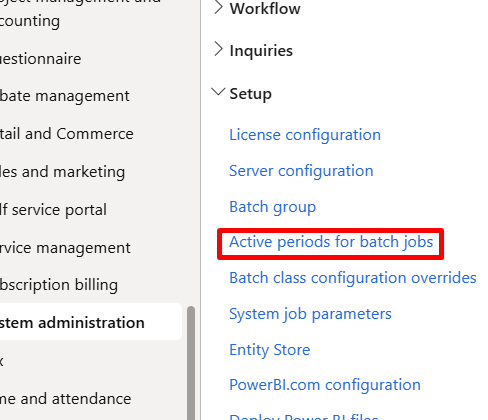
You can find it here:
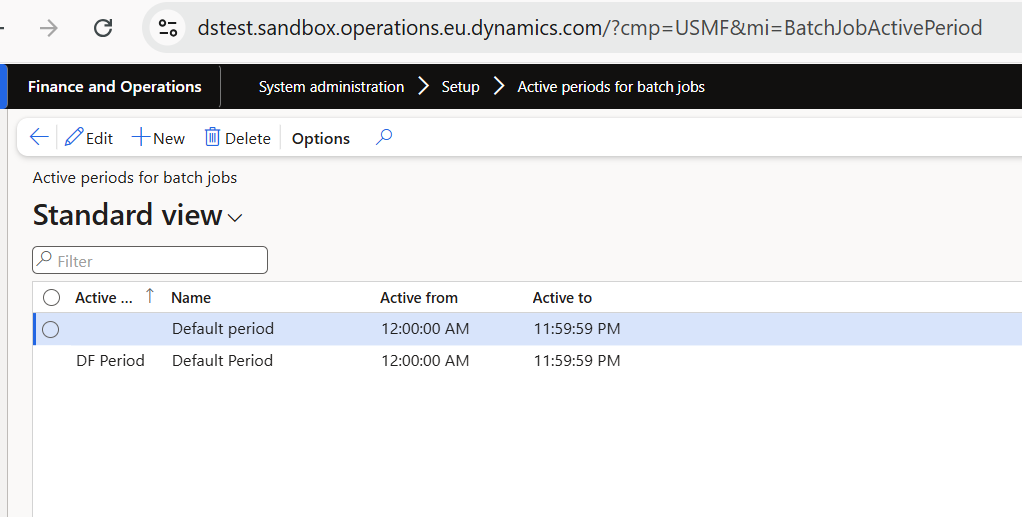
System administration > Setup > Active periods for batch jobs
Using this setup, you can define active periods and assign batch groups to them. Within each batch group, you can add batch jobs with their normal recurrence settings.
The key benefit is that batch jobs assigned to these groups will not execute during the defined inactive hours. This allows you to prevent batch jobs from running during peak system usage times and ensures better system performance.